
I may earn commission if you use my affiliate links to purchase products: More details.
I’ve been using the free version of the Rank Math SEO plugin for the past four years and am quite happy with its performance. I used Yoast SEO for nearly nine years before migrating to Rank Math.
While Yoast SEO is the oldest and offers almost the same features, Rank Math is more user-friendly and performance-oriented.

Why I started using Rank Math?
I used Yoast SEO at the beginning of my blogging career but switched to Rank Math a few years ago. One of the main reasons for this shift is that Rank Math is lighter and faster.
Yoast SEO was good, but Rank Math is lighter and offers tons of features even on the free version. I wrote a comparison article on Rank Math vs Yoast SEO a few years ago, which I think is still relevant.
Rank Math offers 20-plus built-in modules you can enable as needed. They also offer analytics that let you automatically track keyword rankings and SEO performance within the dashboard.
Rank Math also offers one-click imports to migrate from other SEO plugins. It also comes with around 20 rich snippets, including FAQ, How-to, course, book, etc., which eliminates the need for other schema plugins.
In this article, I’ll share my insights on using Rank Math and the modules I use to optimize my website for search engines.
Installation and setup
For this installation and setup guide, I will be using a demo website, adithyashetty.xyz, to explain the process from the start.
Installing the Rank Math SEO plugin
You can install the free version of the Rank Math SEO plugin directly from the WordPress plugin directory. Search for the Rank Math SEO plugin and click Install Now, then Activate.
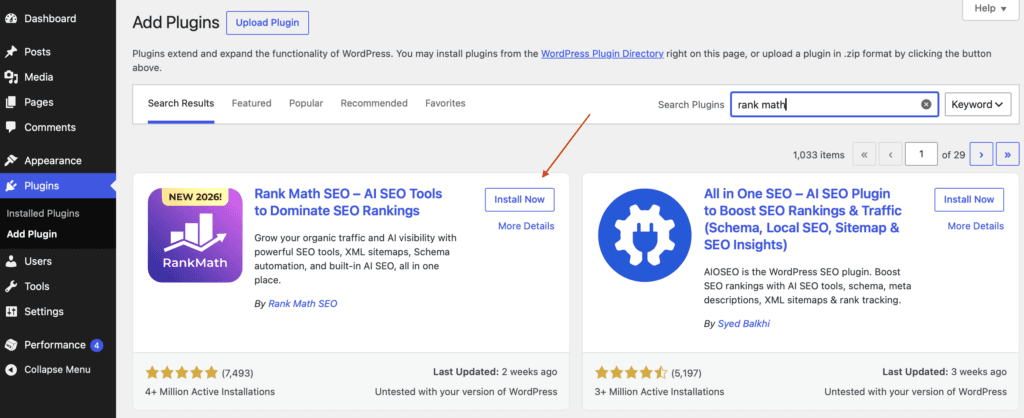
Creating the Rank Math account
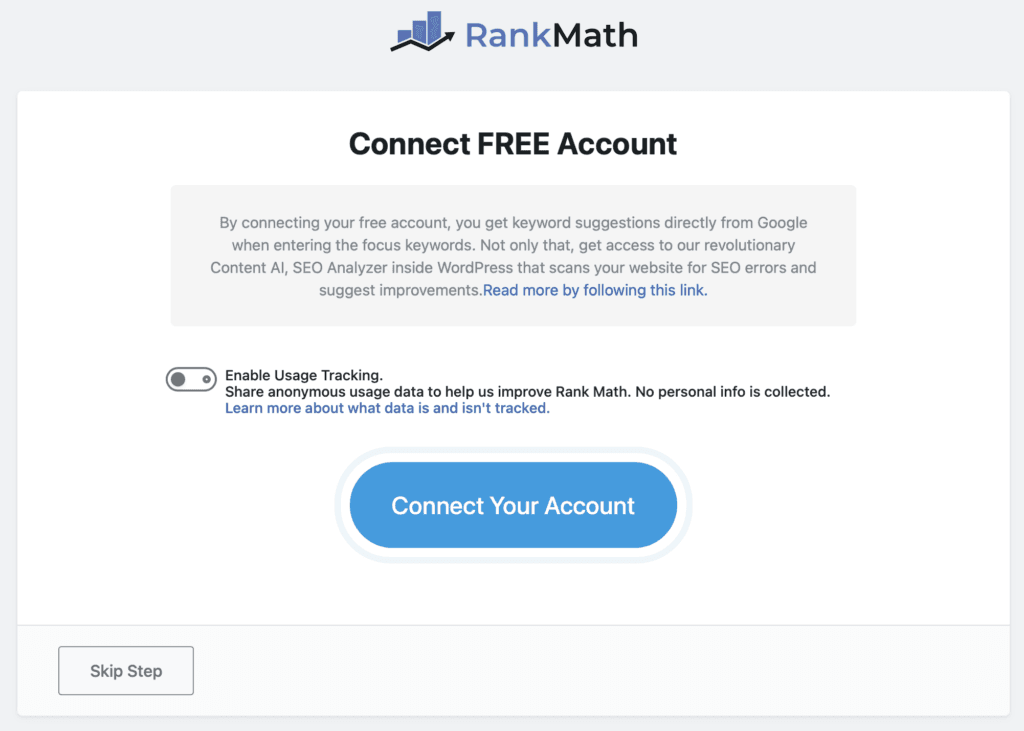
Now you need to connect your site with a free Rank Math account. Click on Connect your account.
Connecting your account also helps you get keyword suggestions from Google as you optimize your post with focus keywords.
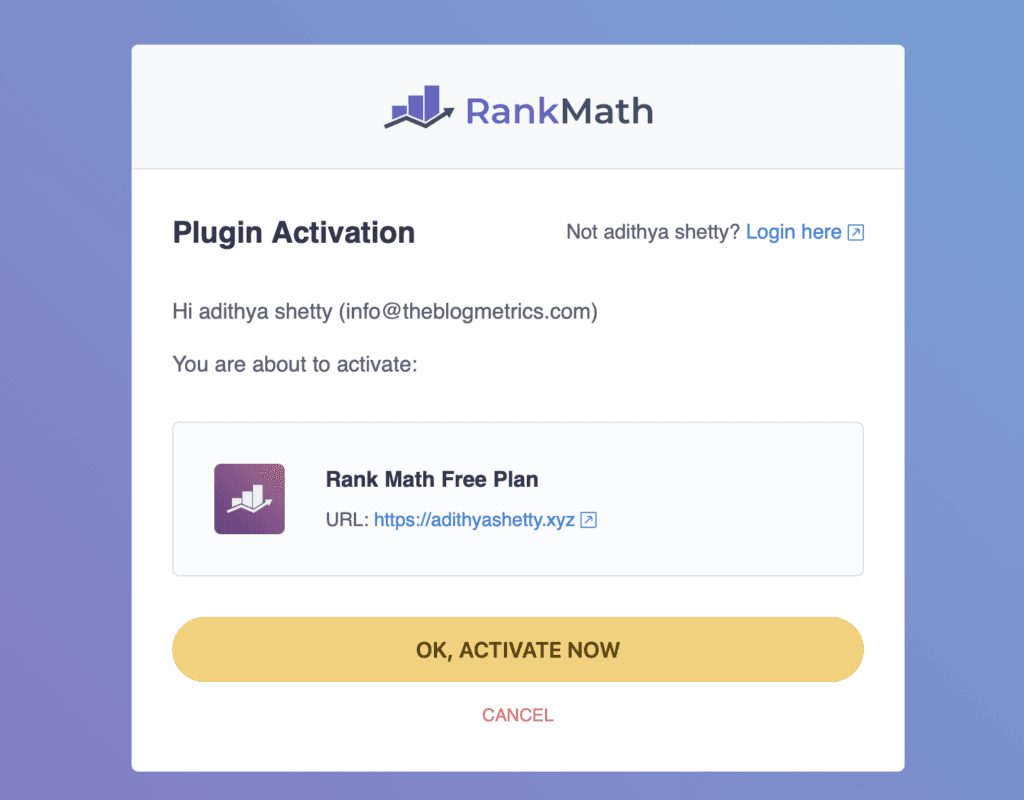
A new page will open up; click the OK, ACTIVATE NOW button.
Setup Wizard
Rank Math offers three types of methods:
- Easy: This method is for beginners who don’t have much knowledge of SEO and don’t want to deal with hassle. Rank Math will take care of the basics.
- Advanced: This method is for advanced users who like to control every SEO aspect of the website.
- Custom Mode: Custom mode is only available for Pro users. You can use a custom file to complete the setup.
You can also switch modes at any time later.
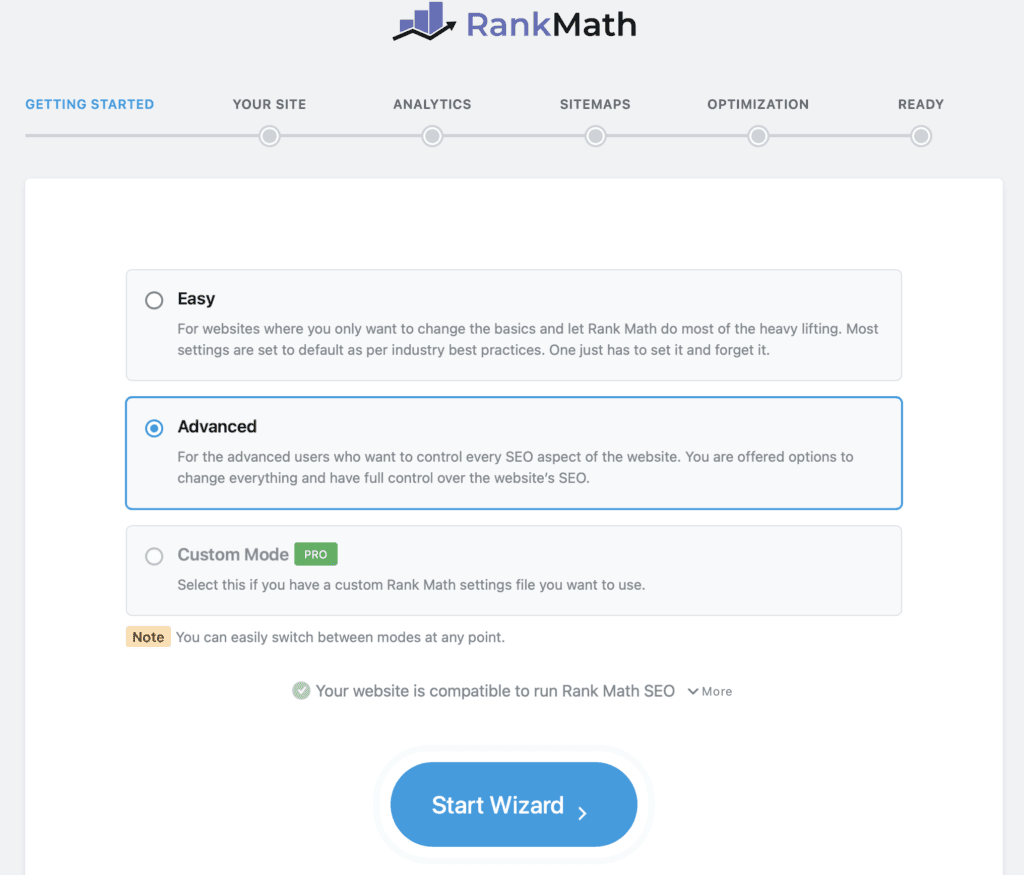
The Rank Math Setup Wizard will open; now you can choose the method that suits you. In this example, I’ll select Advanced, which lets us control every aspect of the website.
About your website
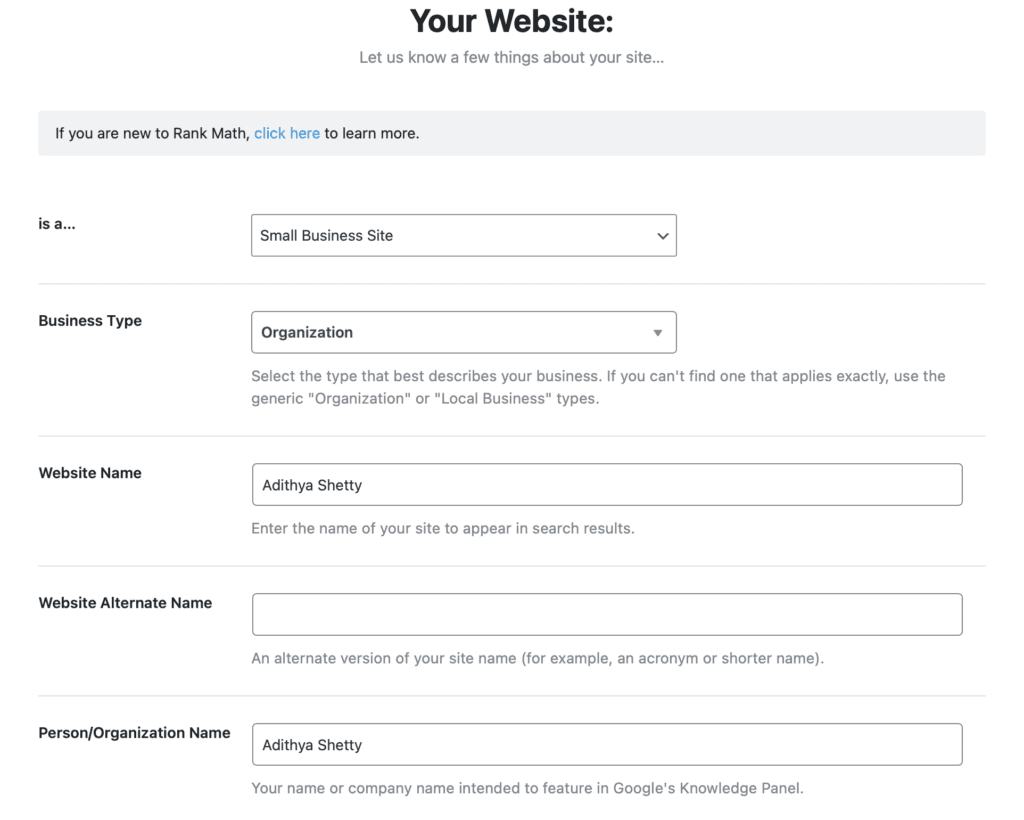
Now it’s time to describe your website, whether it’s a personal site, organization, name, etc.
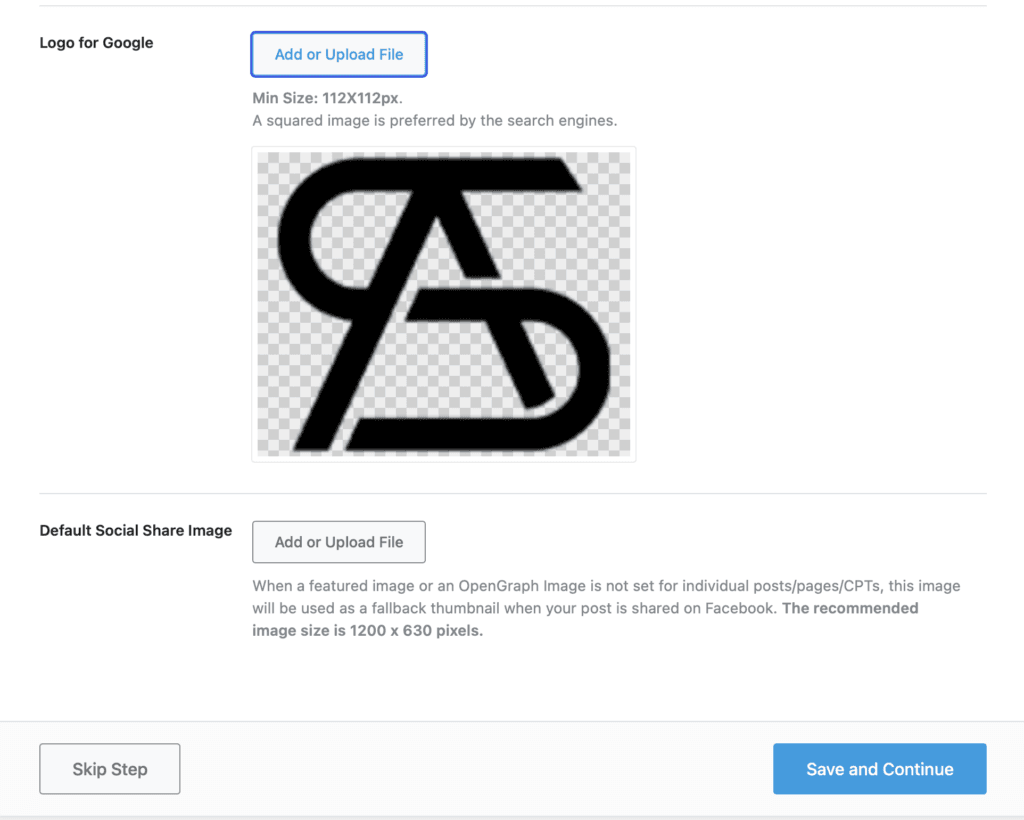
In the options below, you can upload your website logo, default social share image, etc.
Connect Google Services
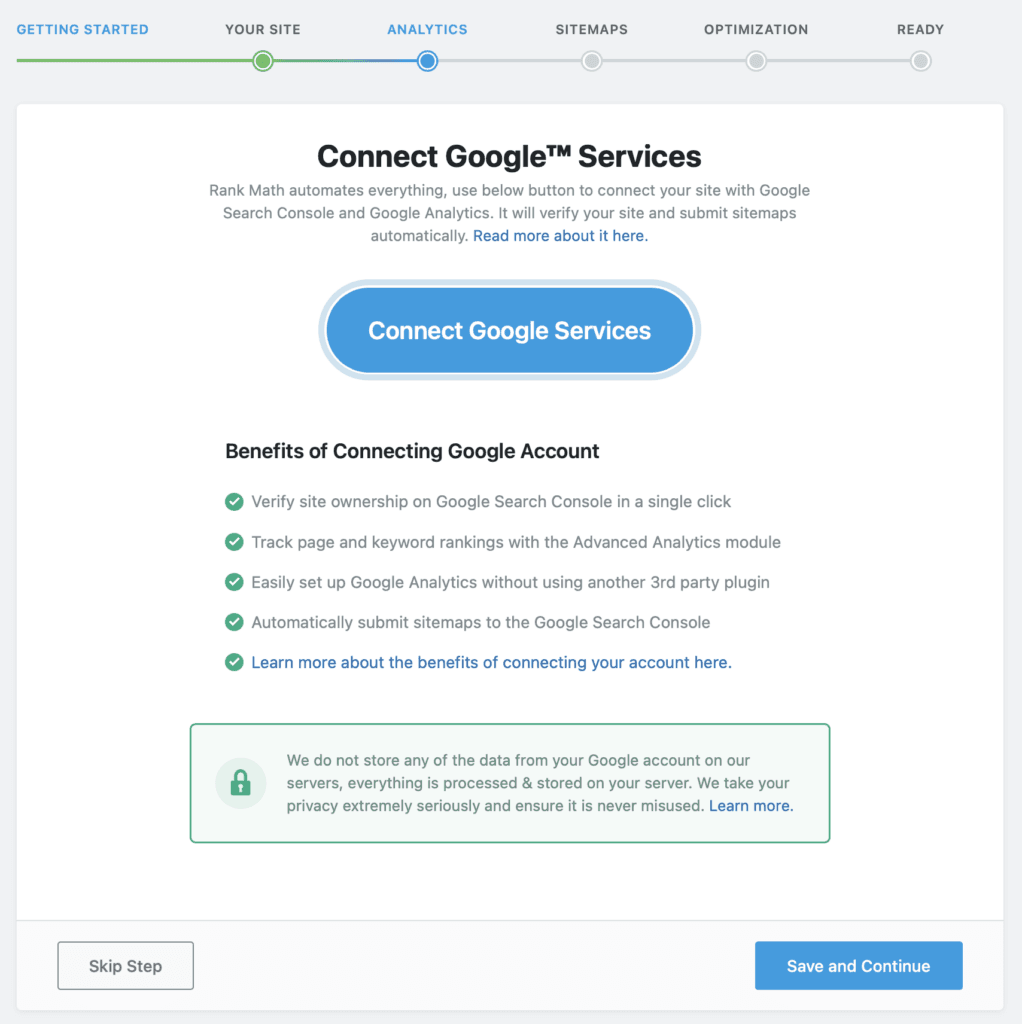
By connecting your site with Google Analytics, Rank Math can automatically verify your site and submit sitemaps.
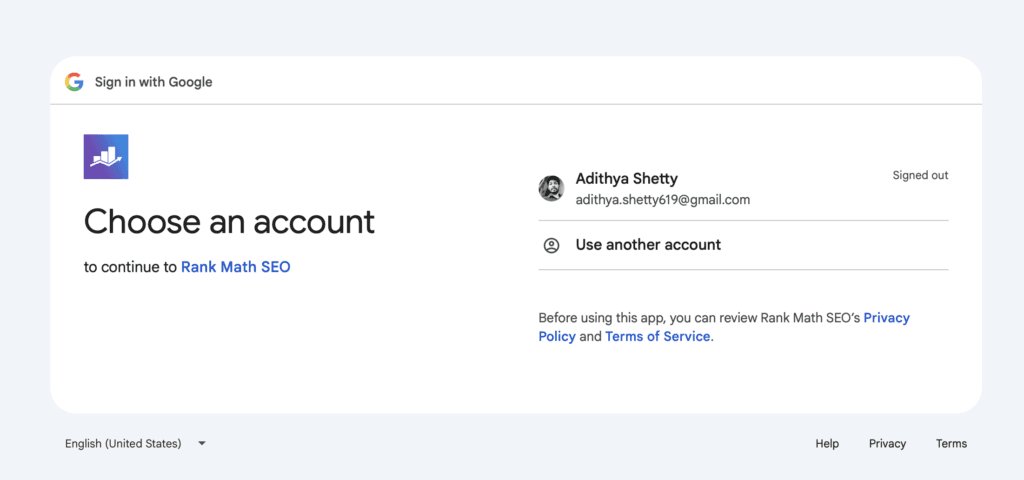
You can use your existing Google account to connect your website.
Analtyics
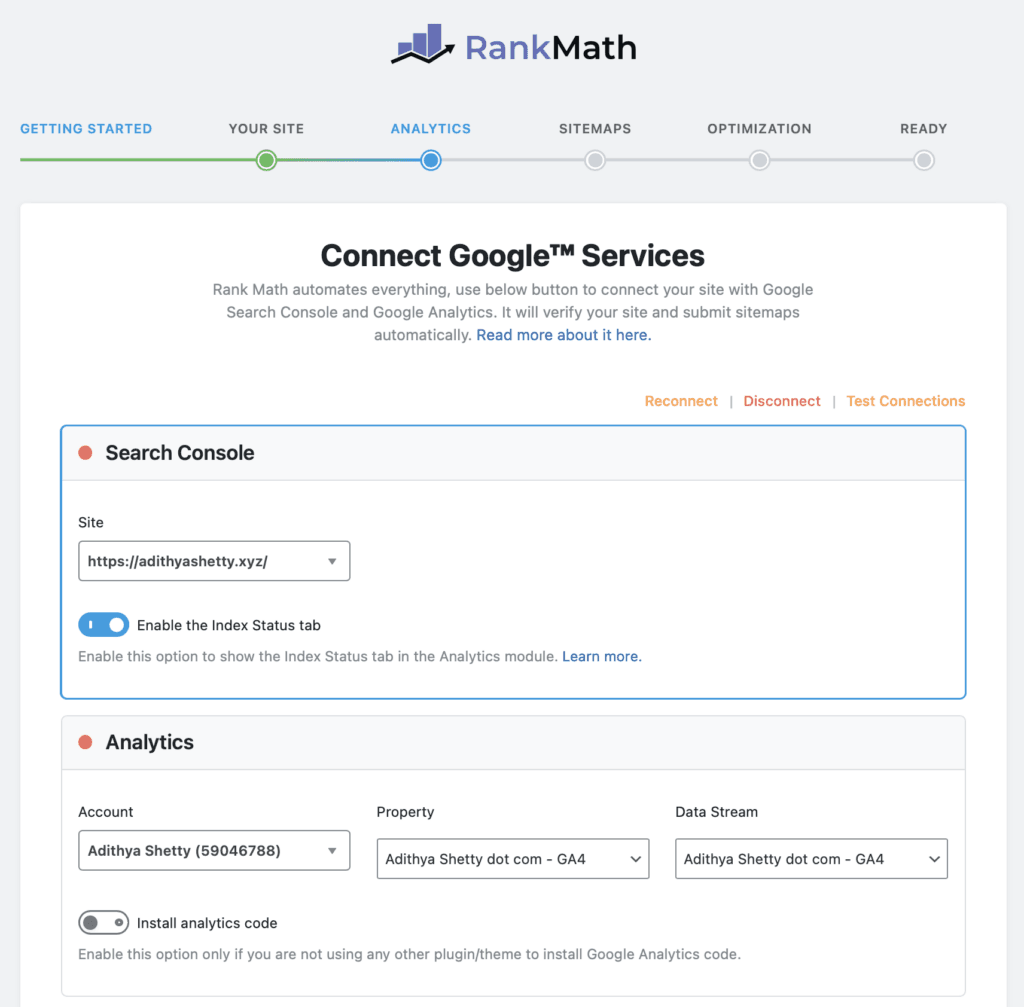
Once the Google account is connected, you can enable Search Console and Analytics on your site and track them within your Rank Math dashboard.
Sitemap
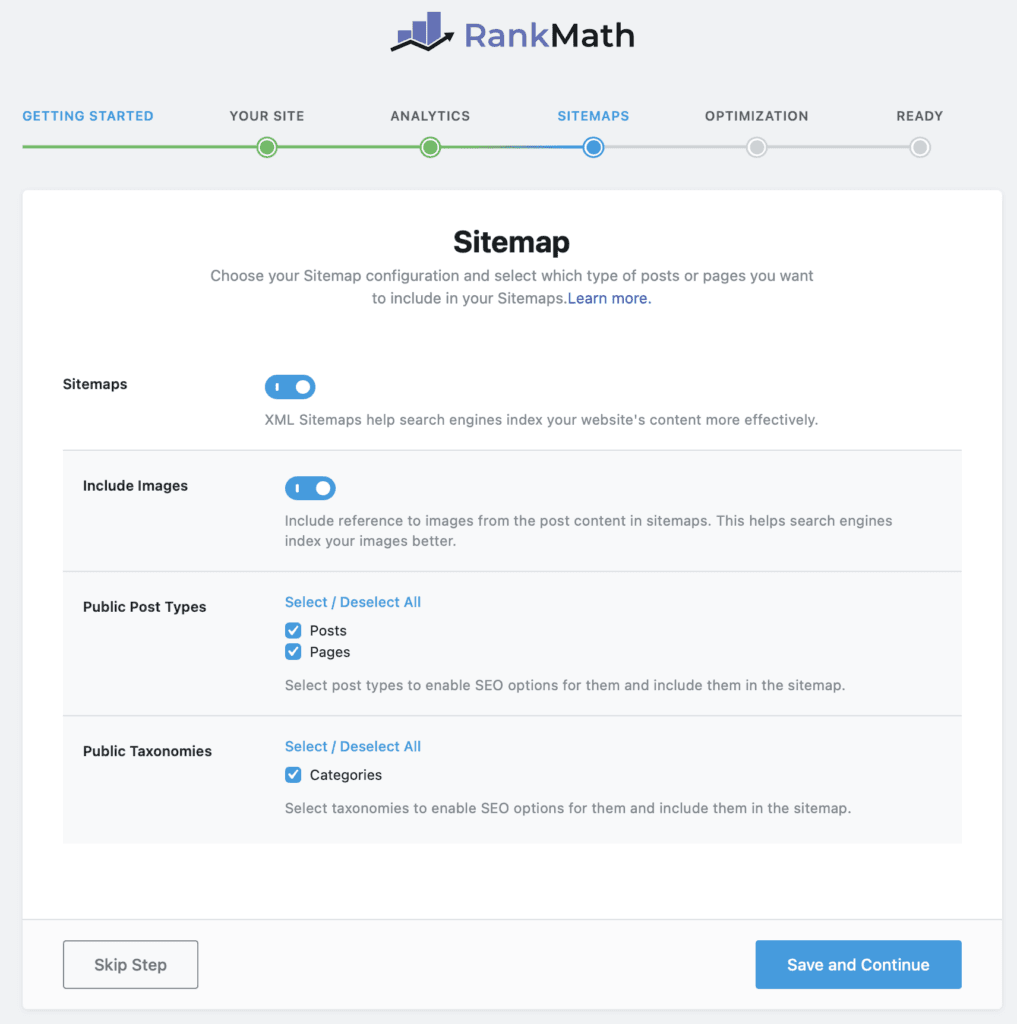
Next is Sitemap. I keep the default settings; you can enable or disable them as needed.
You can also include images in the Sitemap for better indexing.
SEO Tweaks
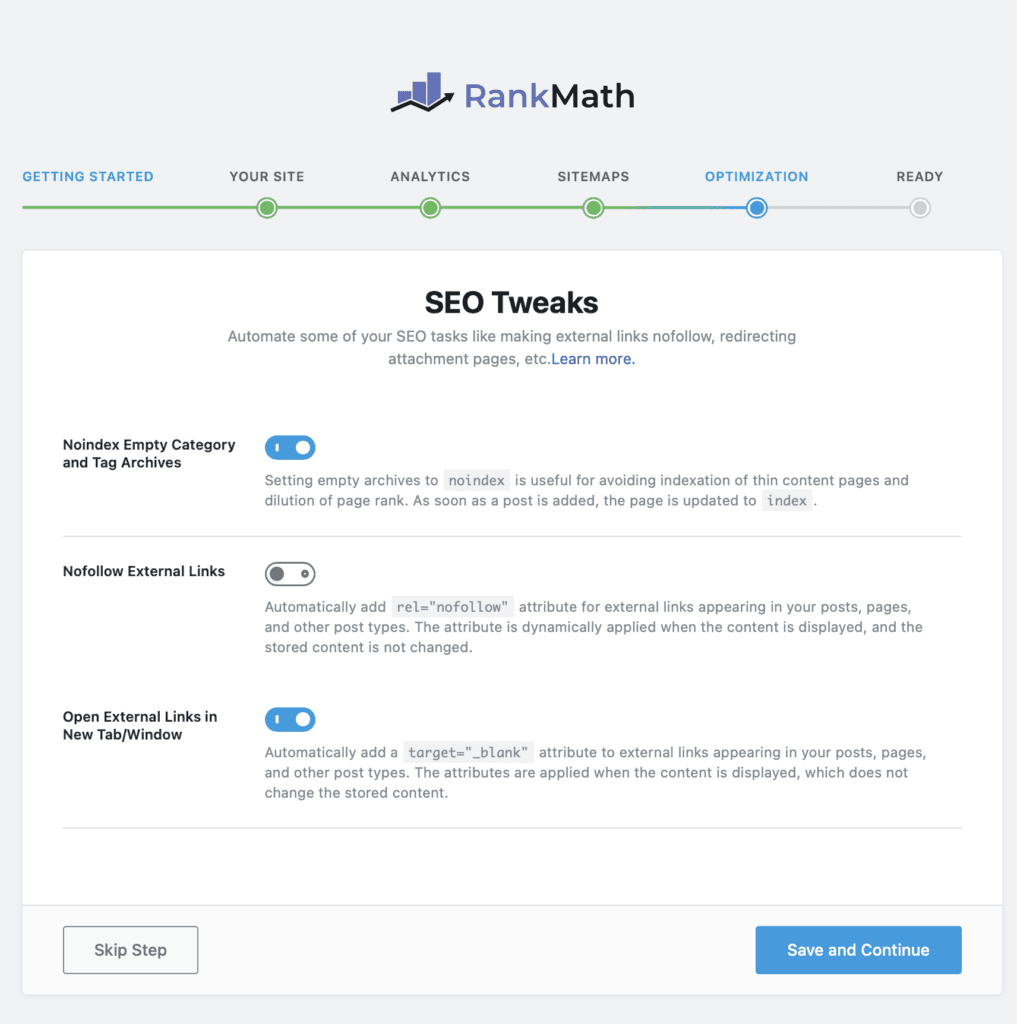
You can use SEO Tweaks to add a nofollow attribute to external links or make links open in a new tab, etc.
It also helps you noindex empty categories that search engines might consider it as thin content.
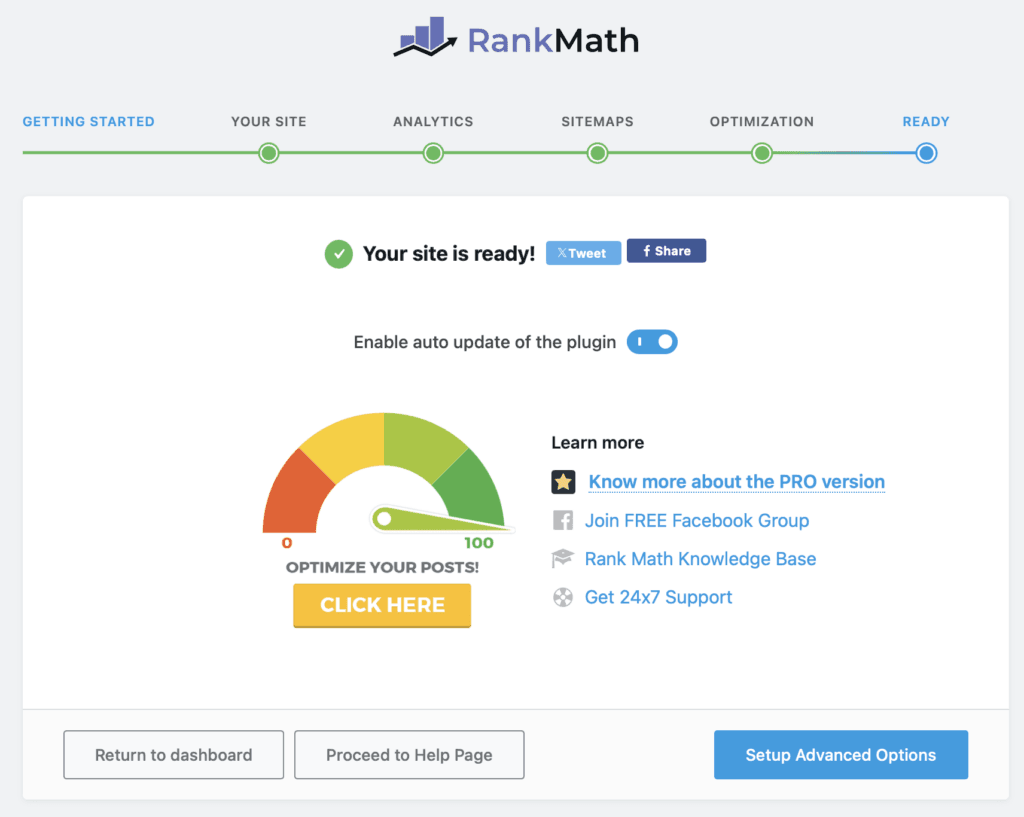
Your site is ready.
Advanced Options
Now click on Setup Advanced Options.
Role Manager
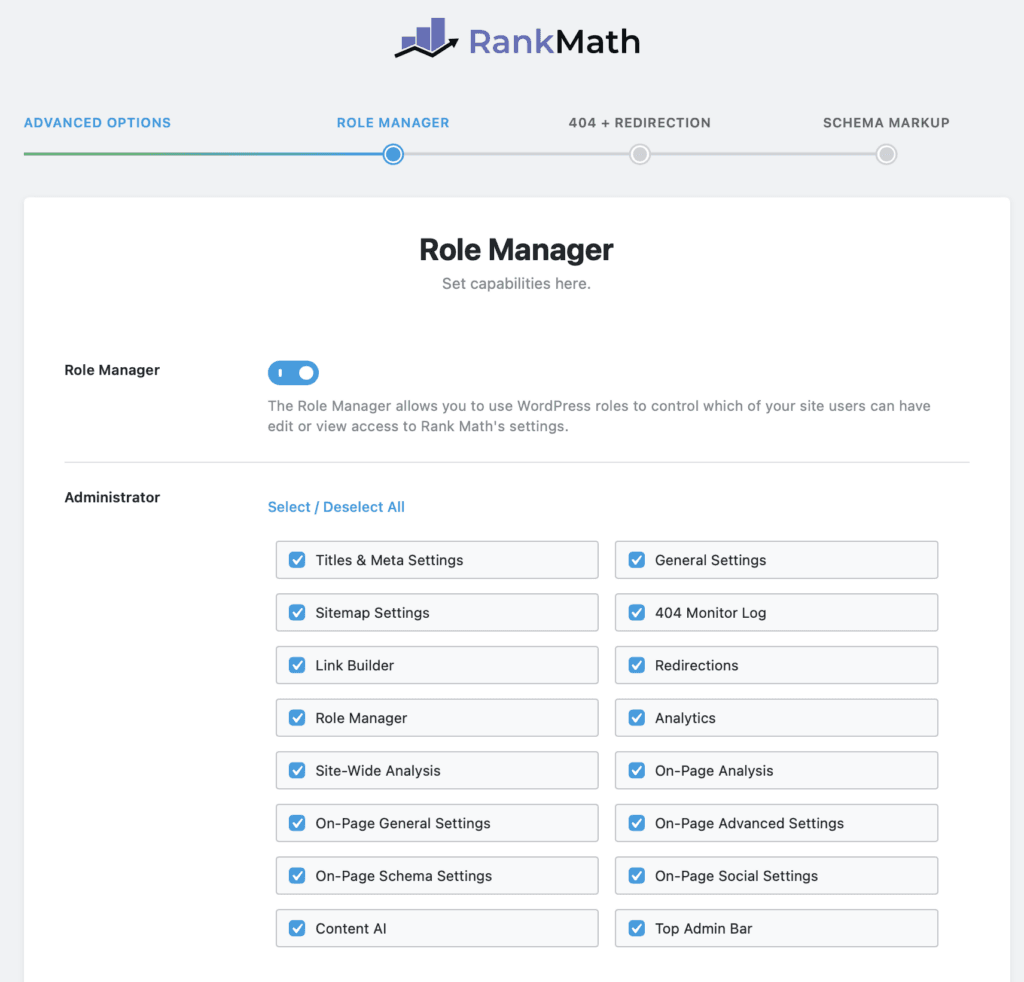
In the Role Manager, you can control which of your website users can view or edit Rank Math’s settings.
404+Redirections
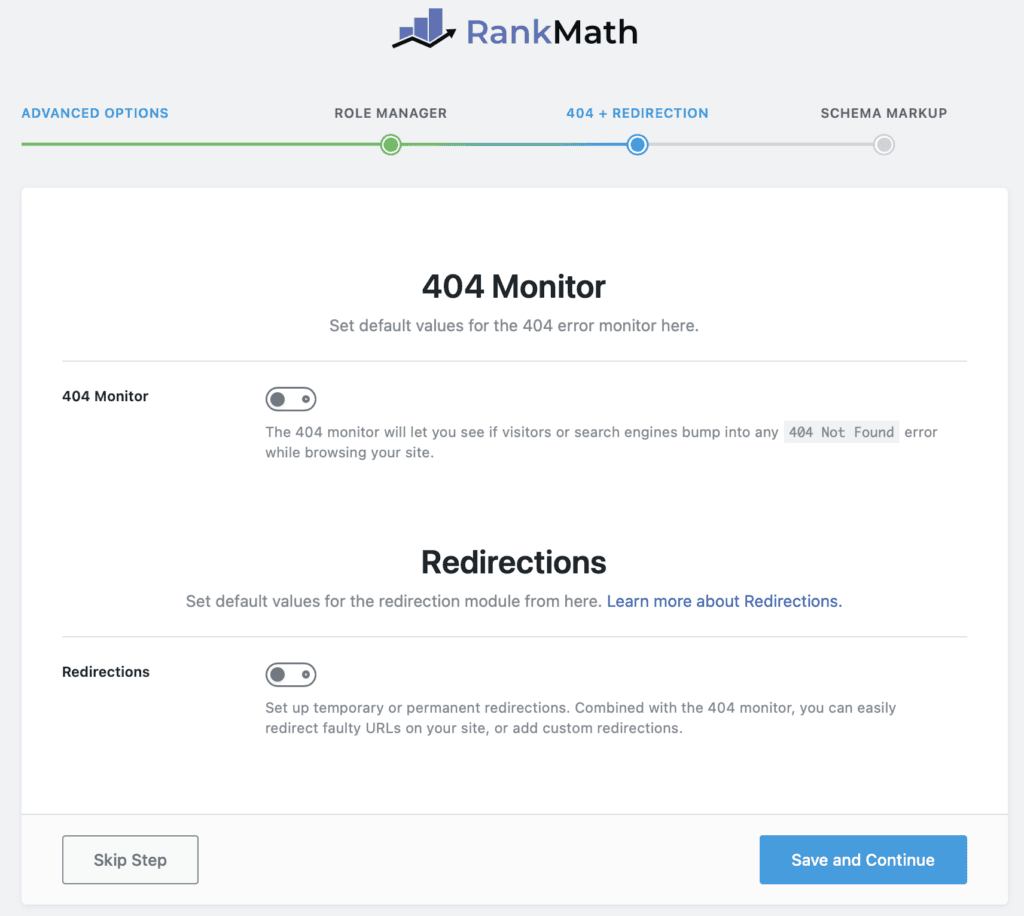
Here you can set the default value for 404 Monitor and Redirections.
Schema Markup
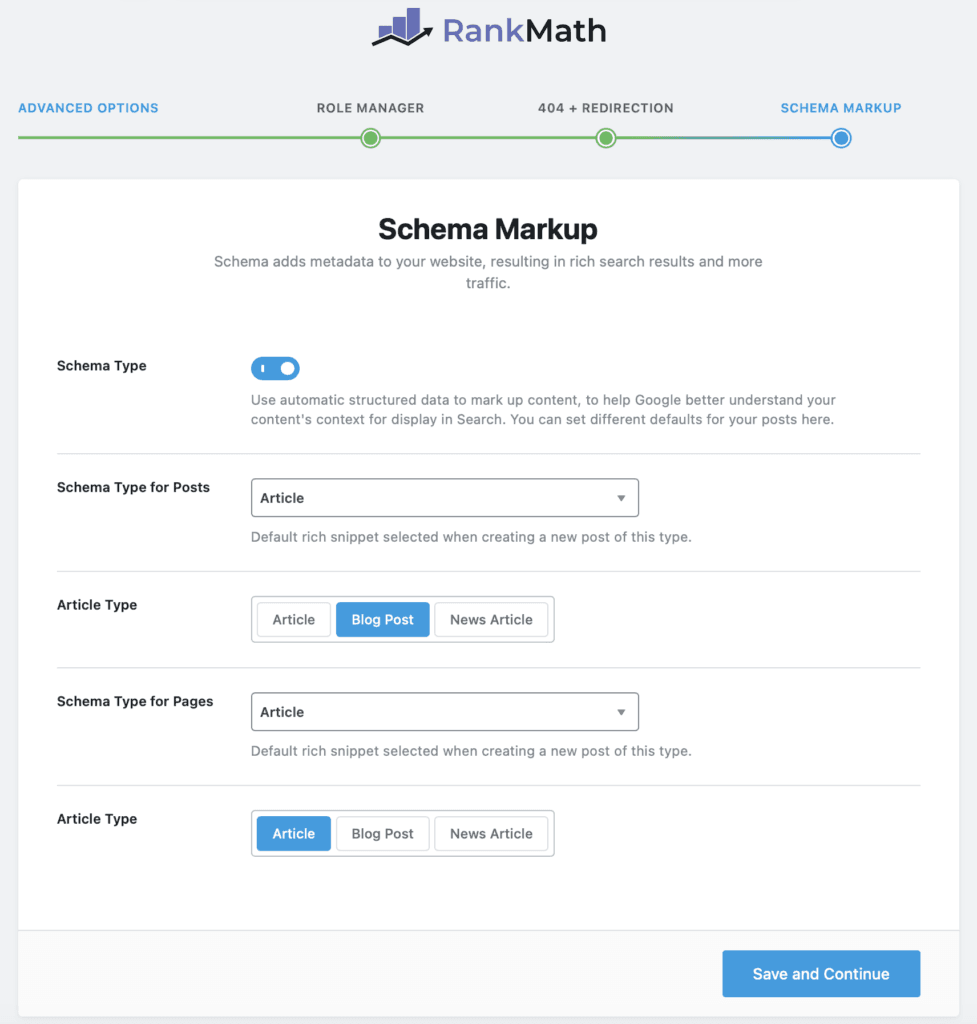
You can set the default type of Schema to posts and pages here and click Save.
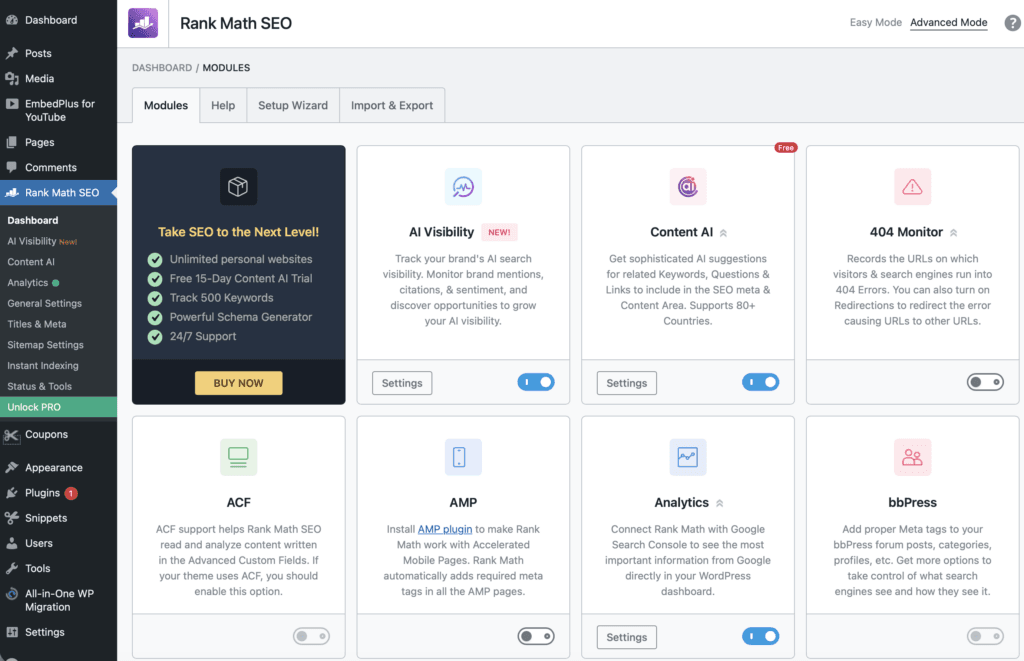
That’s it. Rank Math Setup Wizard is complete.
Modules I use on this site
I use very few modules on this site to avoid adding extra load to the WordPress database and only use those that are necessary. Below is the list of Rank Math modules I use:
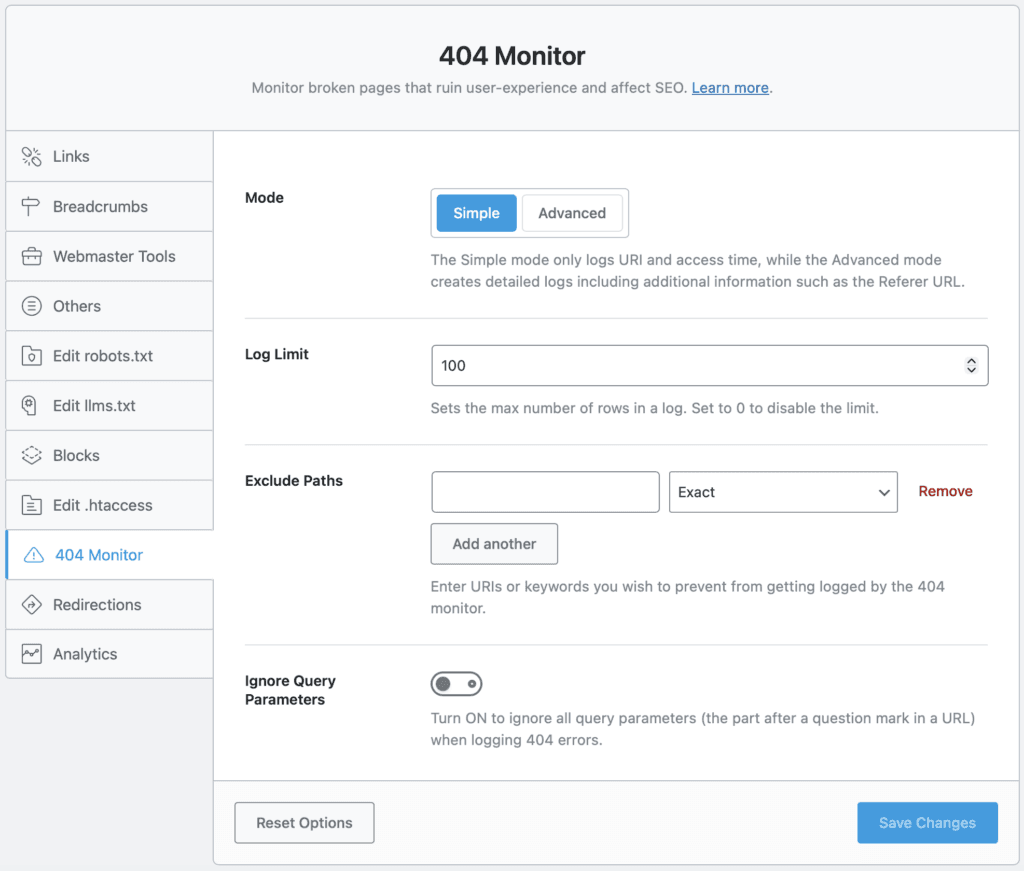
404 Monitor
I’ve enabled this module called 404 Monitor to monitor my broken links. I keep the default settings.
Analytics
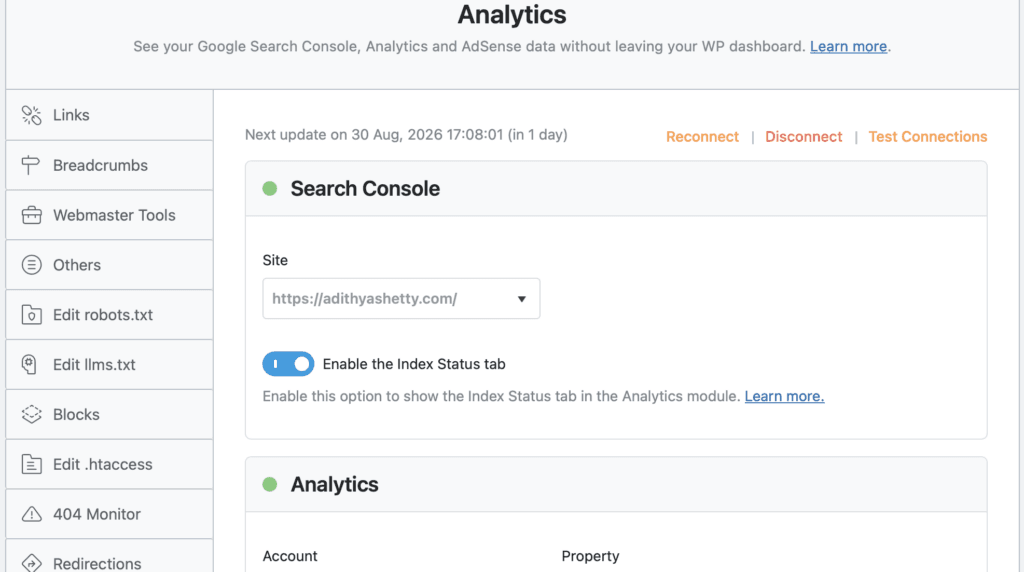
Analytics is the second module I use; it connects Rank Math with Google services like Search Console and Google Analytics.
However, I do not use Rank Math to install Google Analytics code; instead, I use this plugin called Flying Analytics.
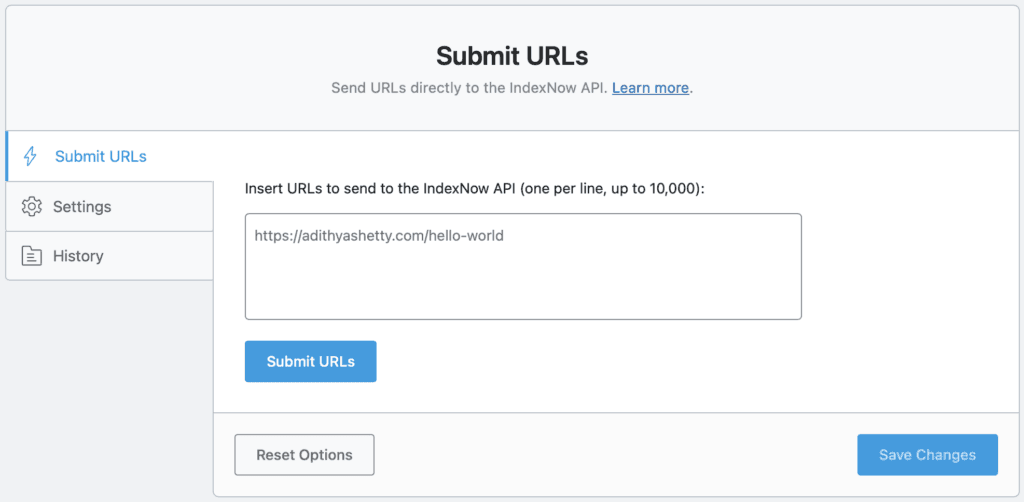
Instant Indexing
Instant Indexing module directly notifies search engines like Bing & Yandex of the pages added, updated, or removed from your website.
LLMS Txt
llms.txt file helps large language models (LLMs) to understand the site’s content, including posts, terms, etc.
Once you enable this module, Rank Math will automatically create an llms.txt file for you.
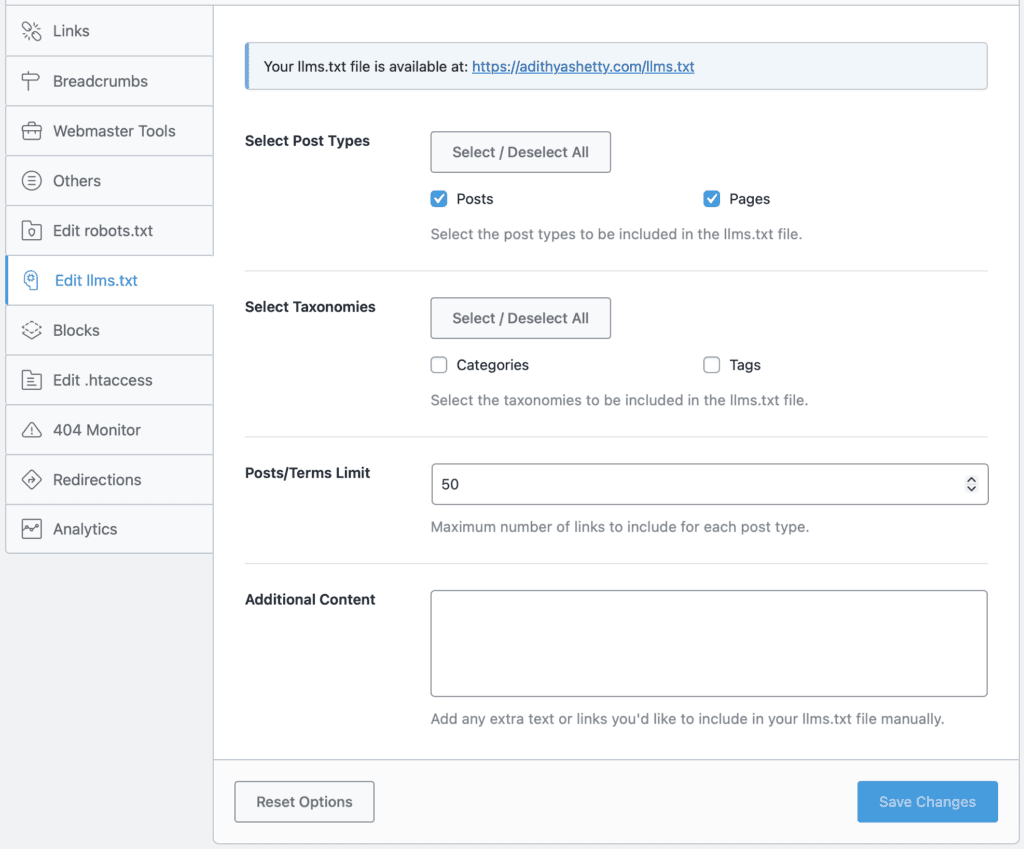
Over time, this can help you get traffic and views from LLMs.
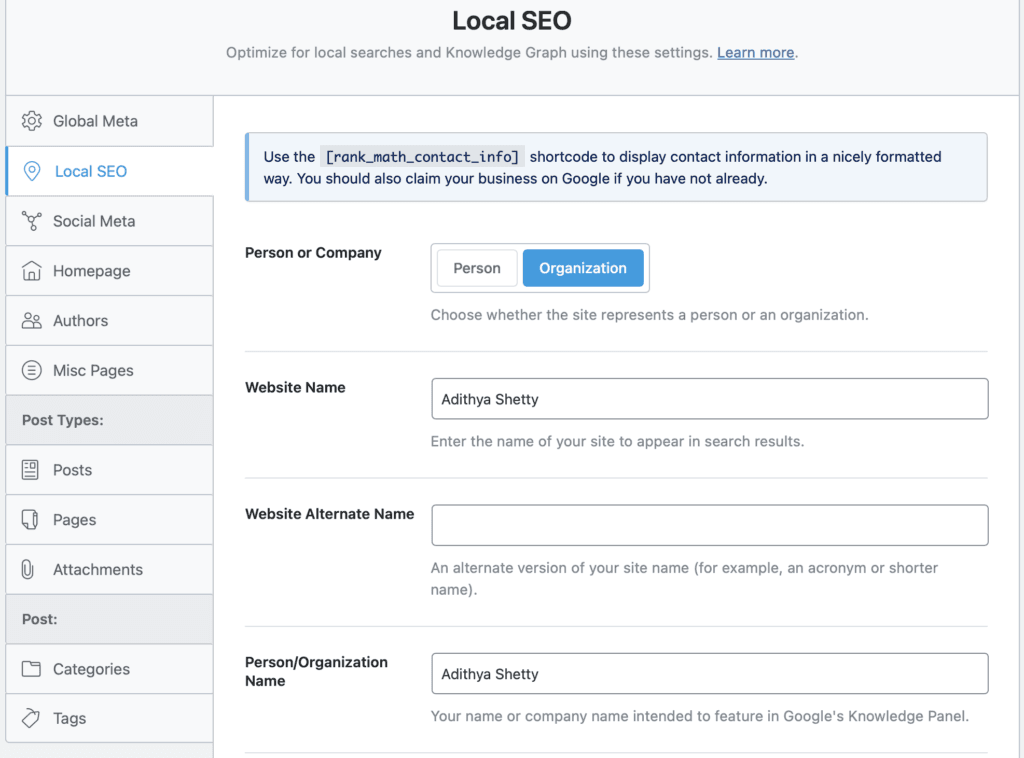
Local SEO
I have been using the Local SEO module ever since I converted this site into a digital agency. This module helps you optimize your site for local audiences.
Schema (Structured Data)
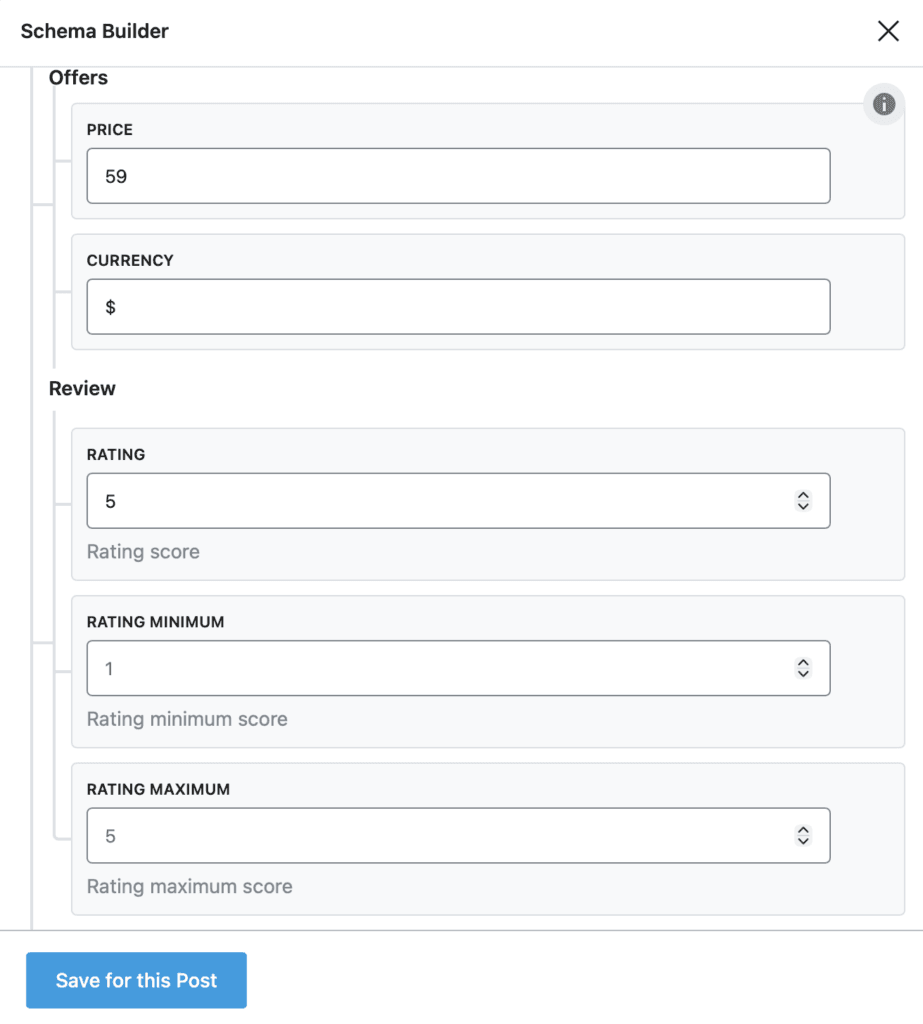
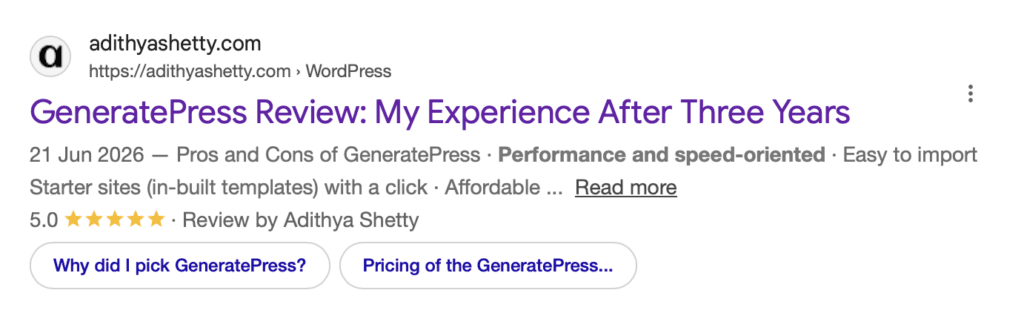
I think this is one of the most useful modules I use on this site. Enabling this will add Schema markup to your website and help you display rich snippets in search results, which improves CTR.
Below is a screenshot of the rich snippets of my review article in Google search results. You can see the star ratings and author mention.
Sitemap
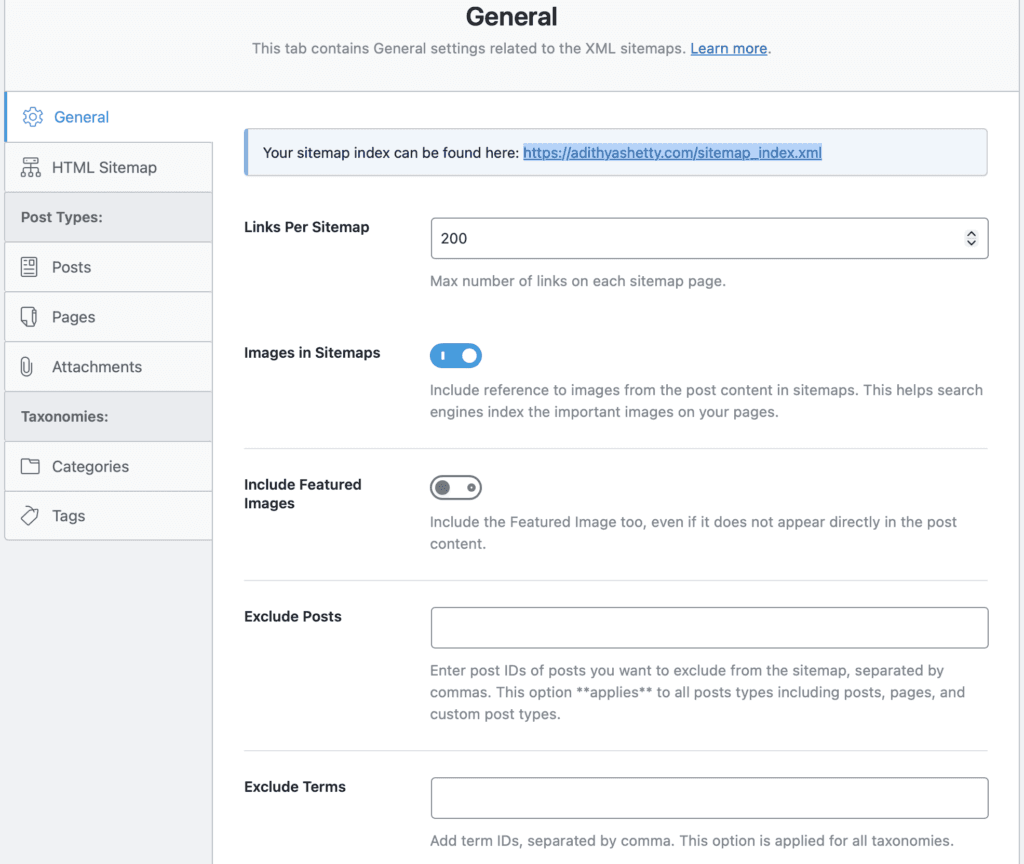
Sitemap helps search engines crawl and navigate your website faster. Enabling this module will automatically create a structured XML file.
You can include or exclude images on the sitemap as well.
Video Tutorial
You can follow this video tutorial to easily set up the Rank Math SEO plugin within 5 minutes.
Pricing
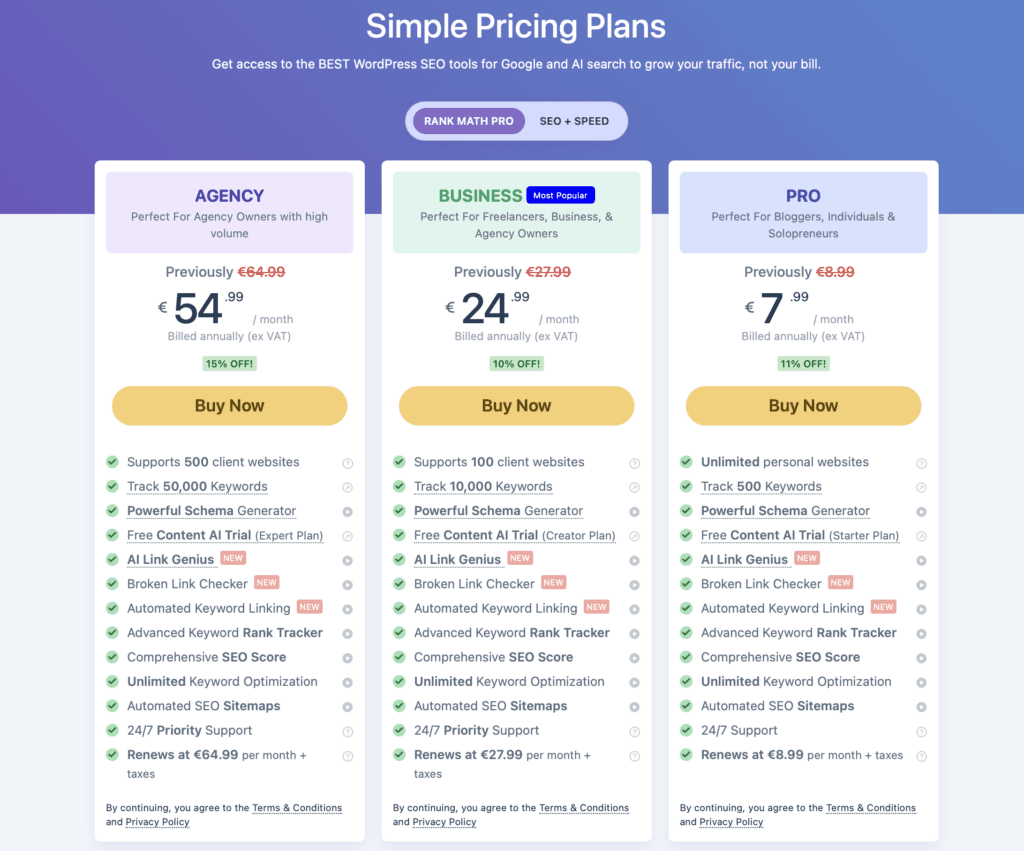
While the Rank Math free version has over 4 million active installations and many are happy with it, the Pro version offers many different features, which start at €7.99 per month when billed annually.
All premium plans include AI LINK GENIUS, a tool that optimizes your internal links and fixes broken links.
- Pro: The Pro plan is priced at €7.99 per month when billed annually, and you can use it on unlimited personal websites. It also includes a 15-day free trial for the Content AI Starter plan.
- Business: The Business plan supports 100 client websites and is priced at €24.99 per month when billed annually.
- Agency: The Agency plan supports 500 client websites and costs €54.99 per month when billed annually.
Conclusion
The Pro version of Rank Math offers many additional features, such as Advanced Google Analytics 4 Integration, AI Search Traffic Tracker, Podcast Module, multiple Schemas on a page, etc. However, if you’re running a simple site with limited needs, the free version of Rank Math is enough.
On this website, I only use seven active modules, and for redirections, I use an existing WordPress plugin called PrettyLinks.
The best thing about Rank Math is that it offers a ton of important features like FAQs, HowTo, Table of Contents, Schema, etc for free; this will eliminate the need to use any other third-party plugins.
So, I would say Rank Math is definitely worth it.
FAQs
Can you migrate from other SEO plugins to Rank Math?
Yes, you can easily migrate from other SEO plugins to Rank Math using its one-click import option.
Does Rank Math offer a refund?
Yes, Rank Math offers a 30-day money-back guarantee for the premium plans for new customers.
Is the free version of Rank Math enough for basic SEO?
Yes, the free version is enough for basic SEO, but if you need additional features like AI Visibility, AI Link Genius, Podcast, etc., you have to purchase the Pro version.
On how many websites can you use Rank Math Pro?
You can use Rank Math Pro on unlimited personal websites. For client sites, you need to purchase the Business or Agency plans.